The Science of Design Constraints in CAD
Why strict geometric parameters unlock faster 3D modeling breakthroughs in classroom maker spaces.
Core Operational Rules
Why Constraints Accelerate CAD & STEM Mastery
Unbounded design prompts create decision paralysis and chaotic prints. Discover how our structured constraint cards transform classroom design challenges and unlock beginner Tinkercad project ideas with measurable engineering outcomes.
The Blank Canvas Paralysis
When students are asked to "design anything" in 3D modeling tools, beginner CAD students spend over 60% of class time browsing random assets, scaling arbitrary polygons, and producing unprintable overhangs.
- Zero technical boundary awareness (massive file sizes, impossible wall thicknesses).
- Subjective grading criteria causing assessment friction for STEM teachers.
- Slow iteration loops with frequent slicing and 3D printing failures.
The 3-Rule Constraint Protocol
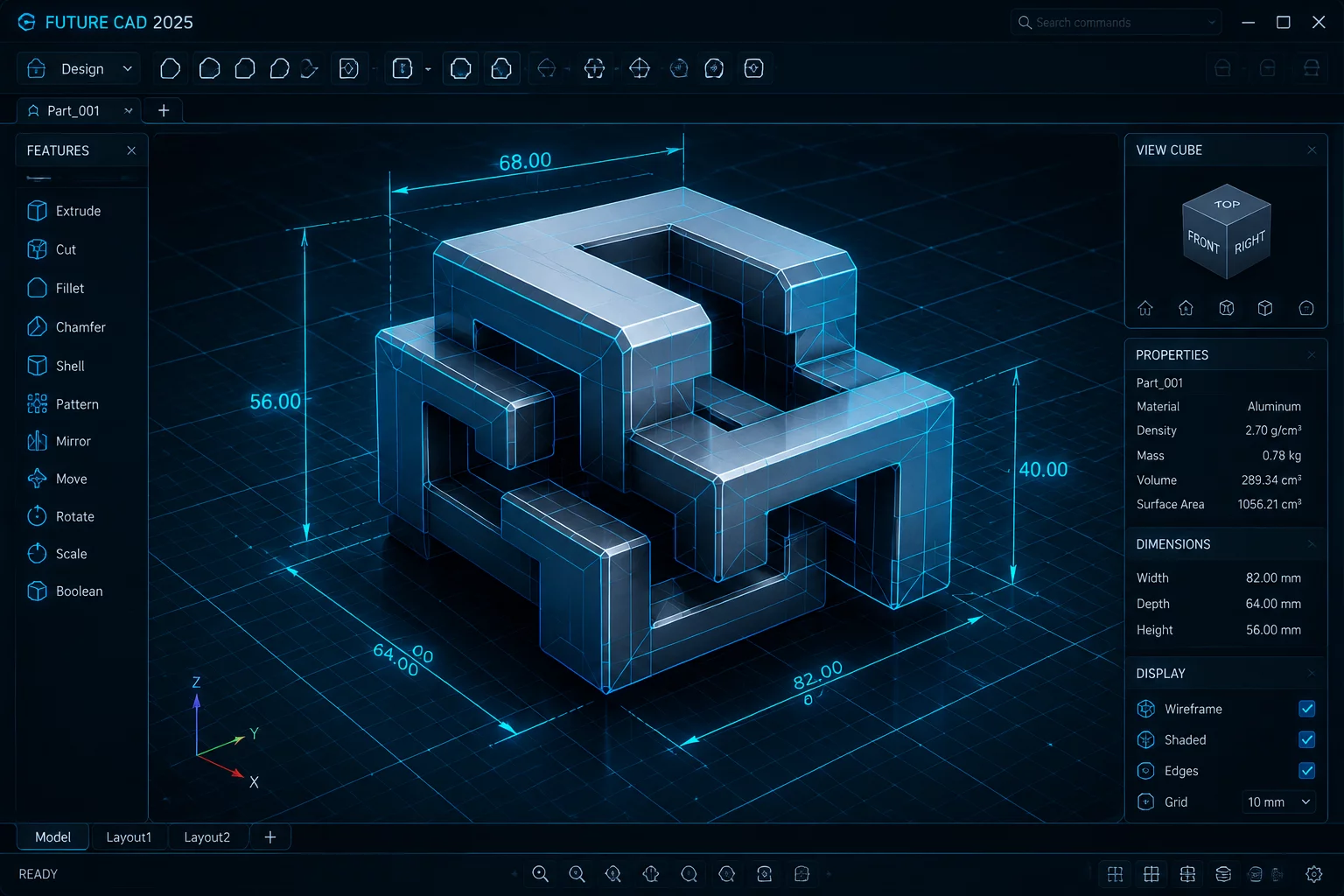
By bounding dimensional envelopes (e.g. 50x50x20mm), primitive limits (e.g. exactly 3 grouped solids), and functional mechanical goals, students immediately engage algorithmic problem solving within minutes.
- Rapid spatial geometry computation and instant Tinkercad boolean proficiency.
- Clear, objective assessment rubrics for maker spaces and design classes.
- 100% first-pass printability without support material wastage.
Why Limiting Options Expands Creativity
In cognitive science and design education, the paradox of choice demonstrates that unlimited options overwhelm spatial reasoning. Our cards inject targeted constraints that transform abstract Tinkercad project ideas into focused mechanical milestones.
Bounding Geometry
Strict volume limitations (bounding box) teach students to optimize mass, wall thickness, and print volume efficiency.
Primitive Solid Budgets
Restricting primitive shapes forces deep mastery of CSG (Constructive Solid Geometry)—aligning, grouping, and hole-cutting.
Functional Tolerances
Interference fit targets and clearance offsets prepare students for real-world mechanical and industrial prototyping.
Tailored For Every Maker Context
Classroom Design Challenges & Curriculum Alignment
Eliminate vague grading friction. Each constraint card serves as an instant laboratory rubric with verifiable pass/fail dimensions, primitive counts, and print requirements aligned with NGSS engineering design standards.
High-Turnover Open Lab Challenges
Makerspace facilitators need self-guided prompt systems that don't tie down staff. Constraint cards allow walk-in members to grab a prompt card, model in Tinkercad or CAD software, and print without supervision bottlenecks.
Design Thinking & Industrial Constraints
Introduce design students to real manufacturing limits: draft angles, cantilever tolerances, interlocking joints, and ergonomic grips before advancing to complex parametric software suites.
Gamified Skill Progression for Beginners
New learners build confidence through bite-sized, achievable design wins. Each card presents a mini-game quest with clear boundaries that prevent overwhelming feature complexity.
The 4-Stage Constraint Loop
Draw Card
Select a challenge specifying dimensional box, primitive budget, and functional task.
Boolean CAD
Assemble geometric solids inside Tinkercad or CAD workspace strictly respecting limits.
Rule Audit
Peer or instructor inspection against card rules: volume, wall thickness, and geometry count.
Physical Print
Slice and 3D print with zero support waste, testing physical fit against mechanical requirements.
Methodology FAQ
Yes. While optimized for beginner Tinkercad project ideas, the geometric constraints apply equally to Onshape, Fusion 360, FreeCAD, Blender, and physical cardboard prototyping.
By capping part envelopes to compact dimensions (such as 40mm to 60mm maximums), standard school printers can fabricate 5 to 8 student models simultaneously on a single bed in under 90 minutes.
Cards are divided into Tier 1 (Foundational solids & 1-cut holes), Tier 2 (Multi-primitive interlocking fits & cantilevers), and Tier 3 (Parametric tolerances, living hinges, and load-bearing stress brackets).
Discuss Your Design Program
Tell us about your classroom, makerspace, or CAD workshop. We will reply with a practical constraint-card recommendation.