SEC_01
BOUNDS
Size Constraints
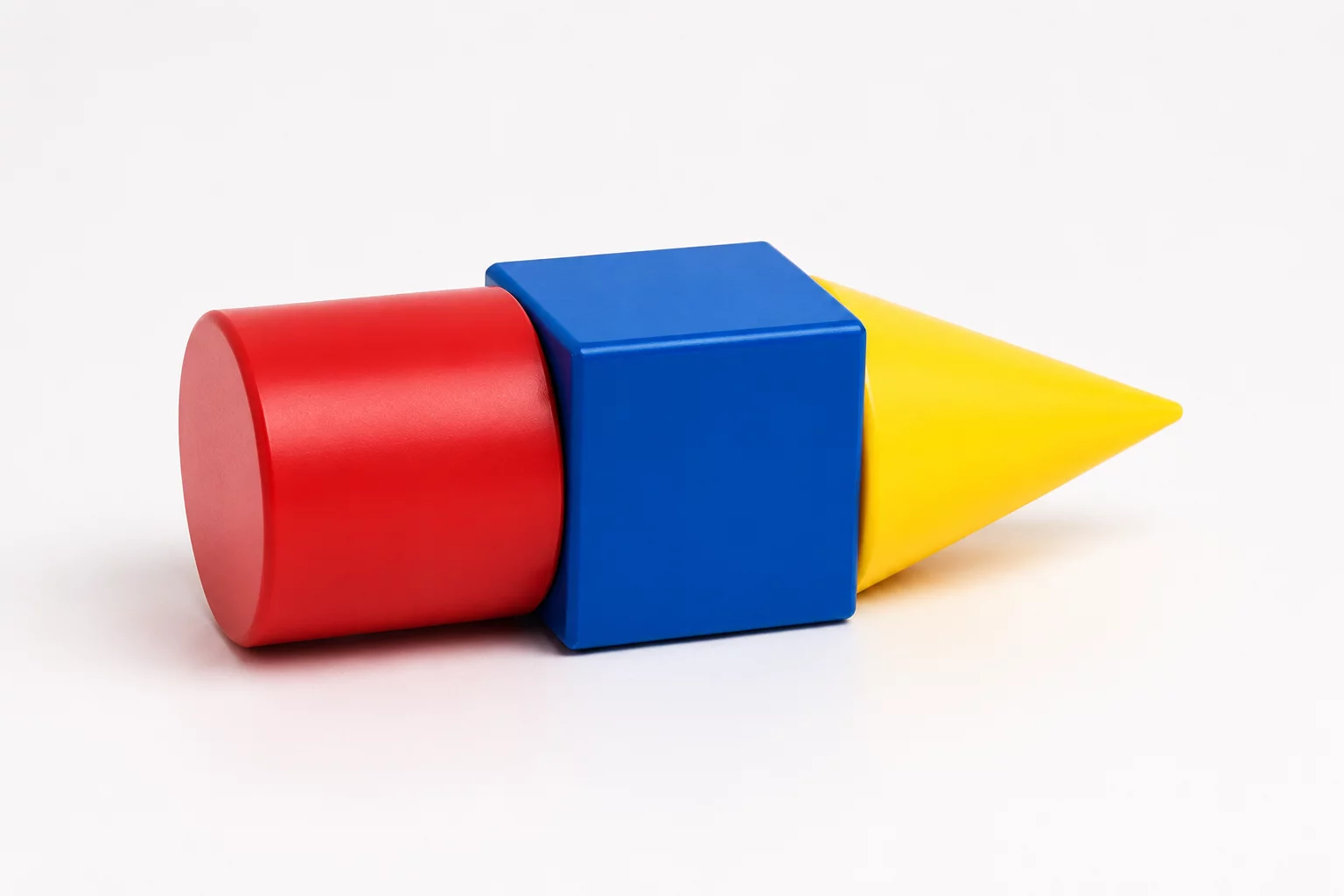
Projects limited by specific dimensional envelopes and strict maximum build volumes.
Eliminate blank-screen paralysis with structured challenge cards. Every project introduces 2 to 4 strict real-world constraints—guiding learners to plan effectively, iterate systematically, compare trade-offs, and defend their engineering choices.
When students open 3D modeling tools without clear parameters, open-ended freedom often leads to design paralysis. Our methodology replaces vague assignments with focused, constraint-driven briefs that turn CAD into a rigorous problem-solving exercise.
By restricting every task to 2–4 precise parameters—such as a fixed thickness, bounding box, or primitive count—our classroom design challenges shift the focus from software toolbars to authentic engineering intent. Whether generating rapid Tinkercad project ideas or deploying advanced STEM constraint-based activities, strict boundaries give learners unambiguous criteria for functional testing and rapid iteration.
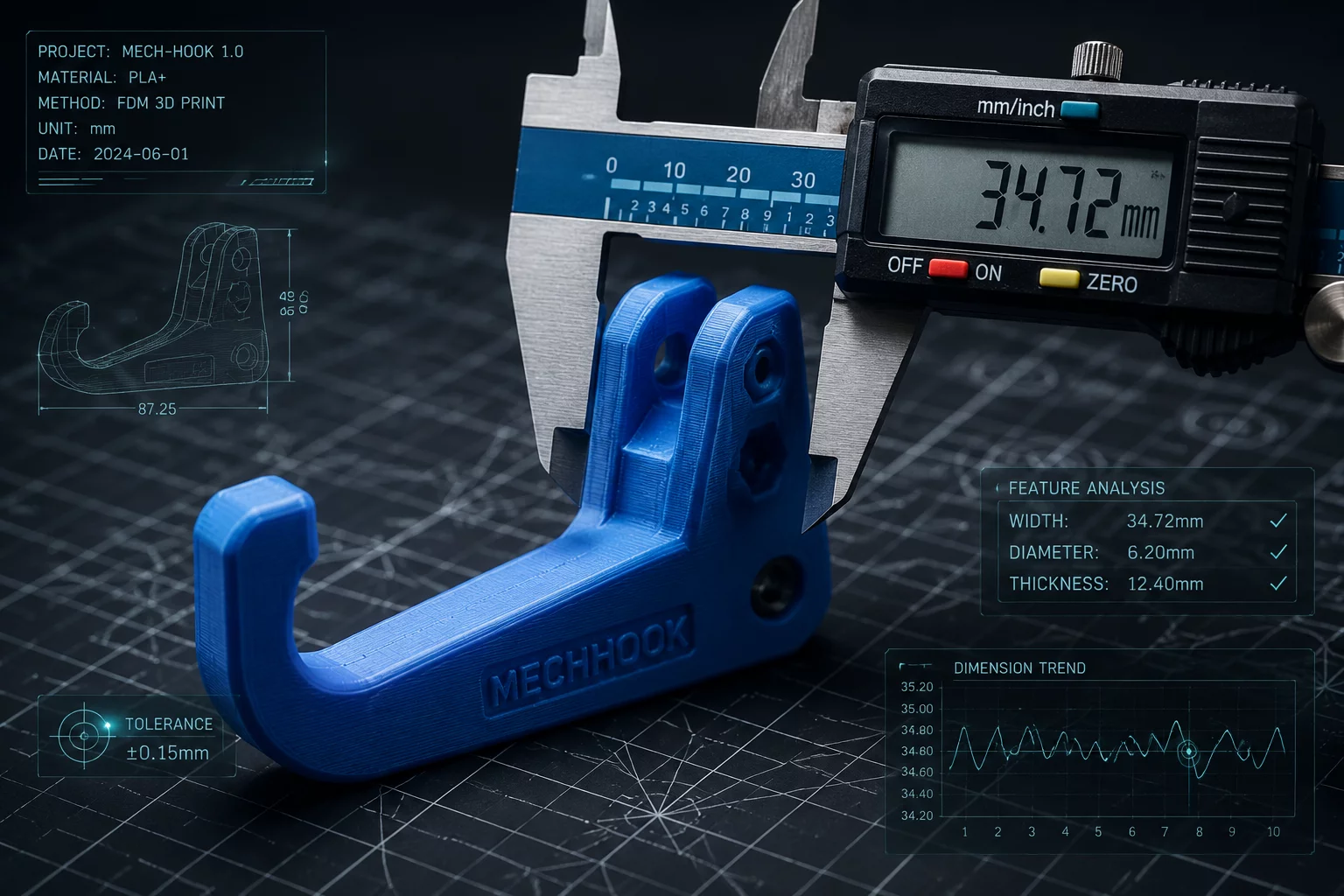
Instead of generic shapes, students receive exact boundary envelopes like a 60 mm cube or a 25 mm edge clamp. Specific limits eliminate ambiguity and structure thinking.
Restricting builds to three basic geometric shapes forces students to understand boolean operations, subtractive design, and structural synthesis inside CAD workspaces.
Every student design is evaluated against strictly measurable requirements: functional fit, flat print bed contact, and volume efficiency, instilling real engineering discipline.
Design a desk-edge utility hook that attaches securely to a 25 mm thick surface, holds a classroom headphone set off the floor, and uses a maximum of three combined primitive volumes.
Master purposeful 3D modeling through STEM constraint-based activities and strict volumetric boundaries.
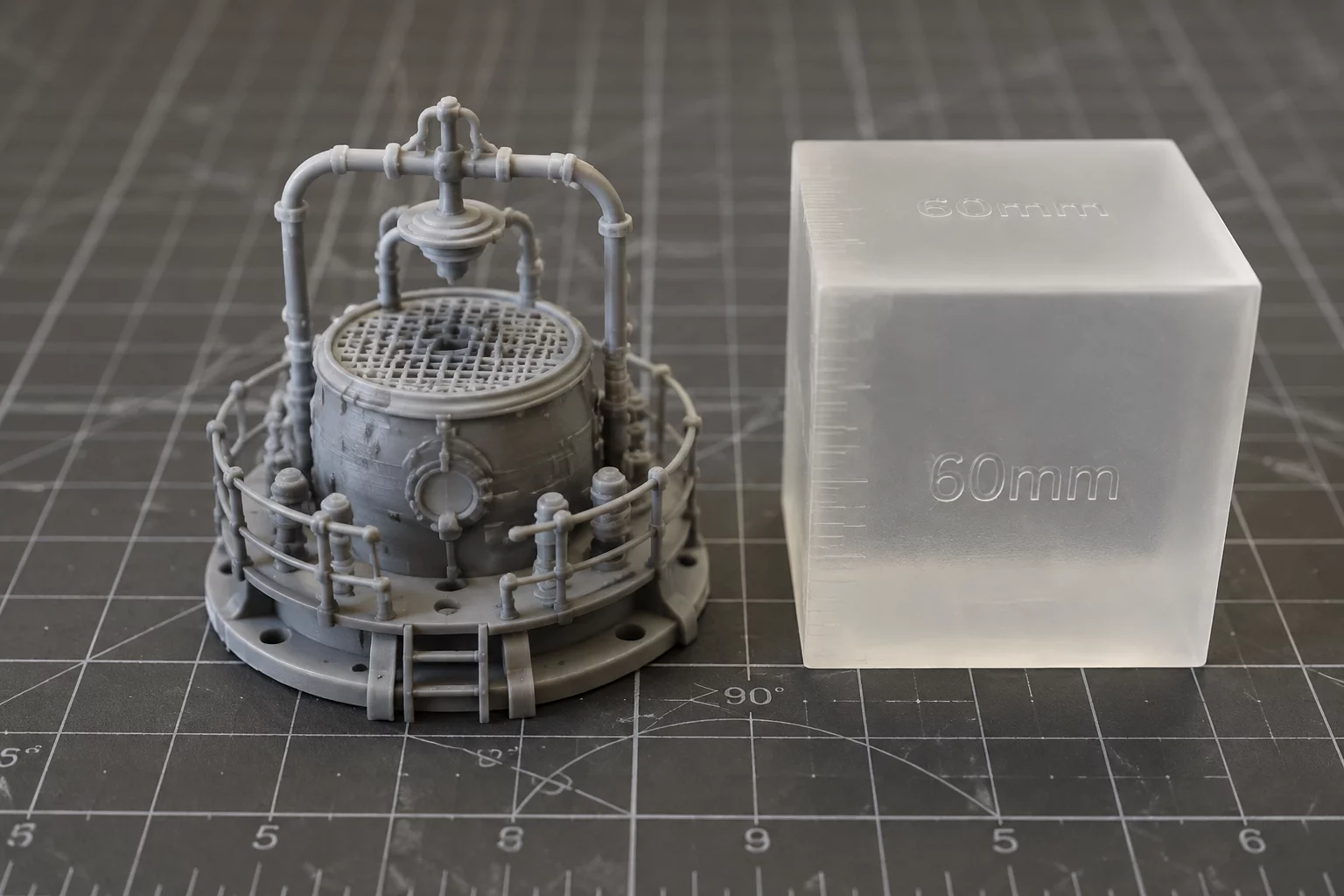
Students design a fully functional desk organizer engineered strictly inside a 60 mm × 60 mm × 60 mm bounding envelope. This task shifts focus from unrestricted sketching to intentional spatial economy and precision fit.
Use these targeted post-modeling prompts to guide student synthesis and evaluate trade-offs in STEM constraint-based activities:
Constraint-driven curriculum builds robust problem formulation ahead of software command mastery:
Eliminating dead volume through volumetric packaging and compact component interlocking.
Orienting parts with a reliable build plane to avoid excessive support generation.
Treating dimensional caps as creative anchors rather than design limitations.
Ready-to-deploy lesson structure for CAD labs, makerspaces, and middle/high school STEM workshops:
Explore structured design constraints engineered for STEM classrooms, makerspaces, and introductory CAD studios. Each category enforces strict parameters to sharpen creative problem solving.
Projects limited by specific dimensional envelopes and strict maximum build volumes.
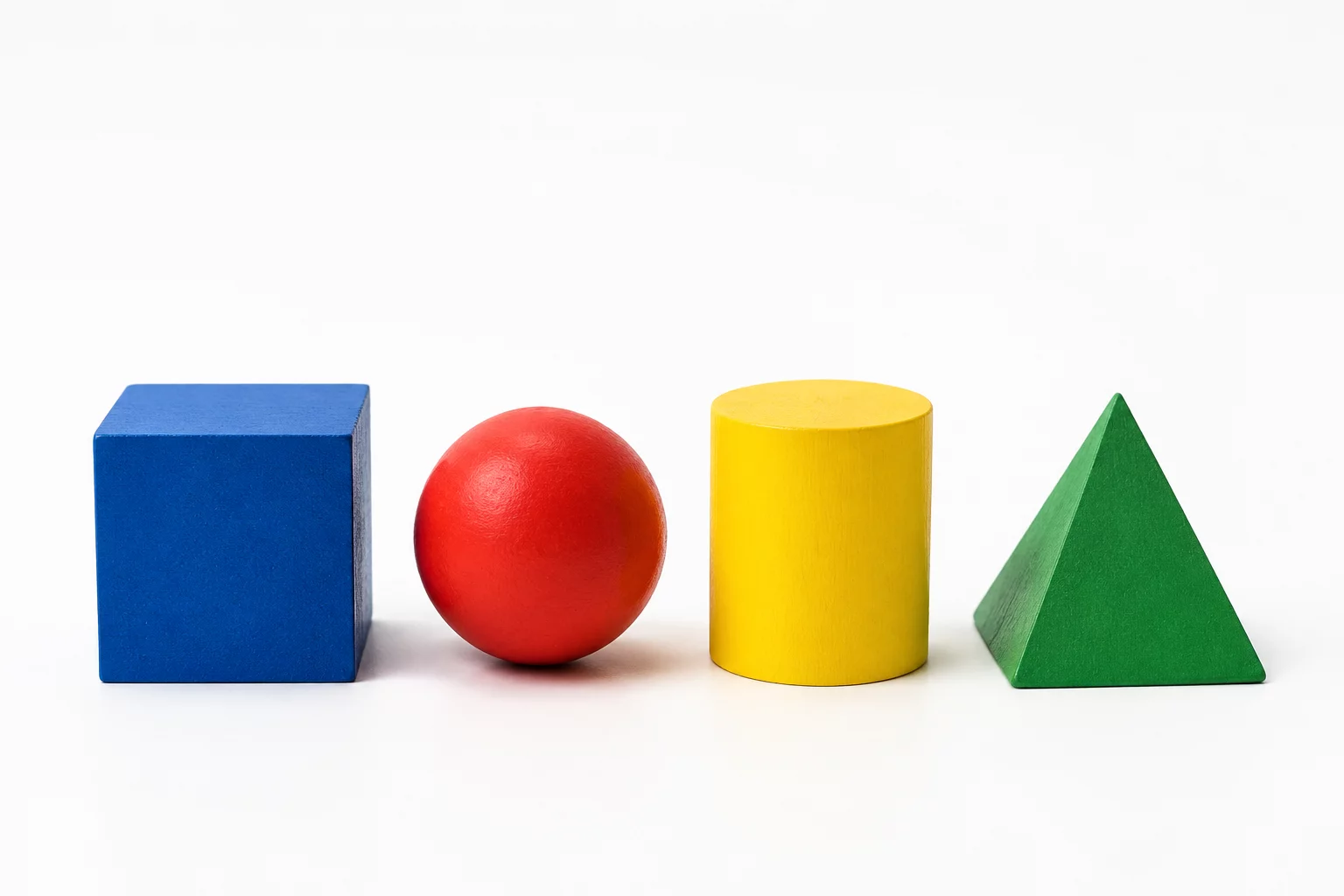
Projects restricted to specific primitive geometric shapes and boolean combinations.
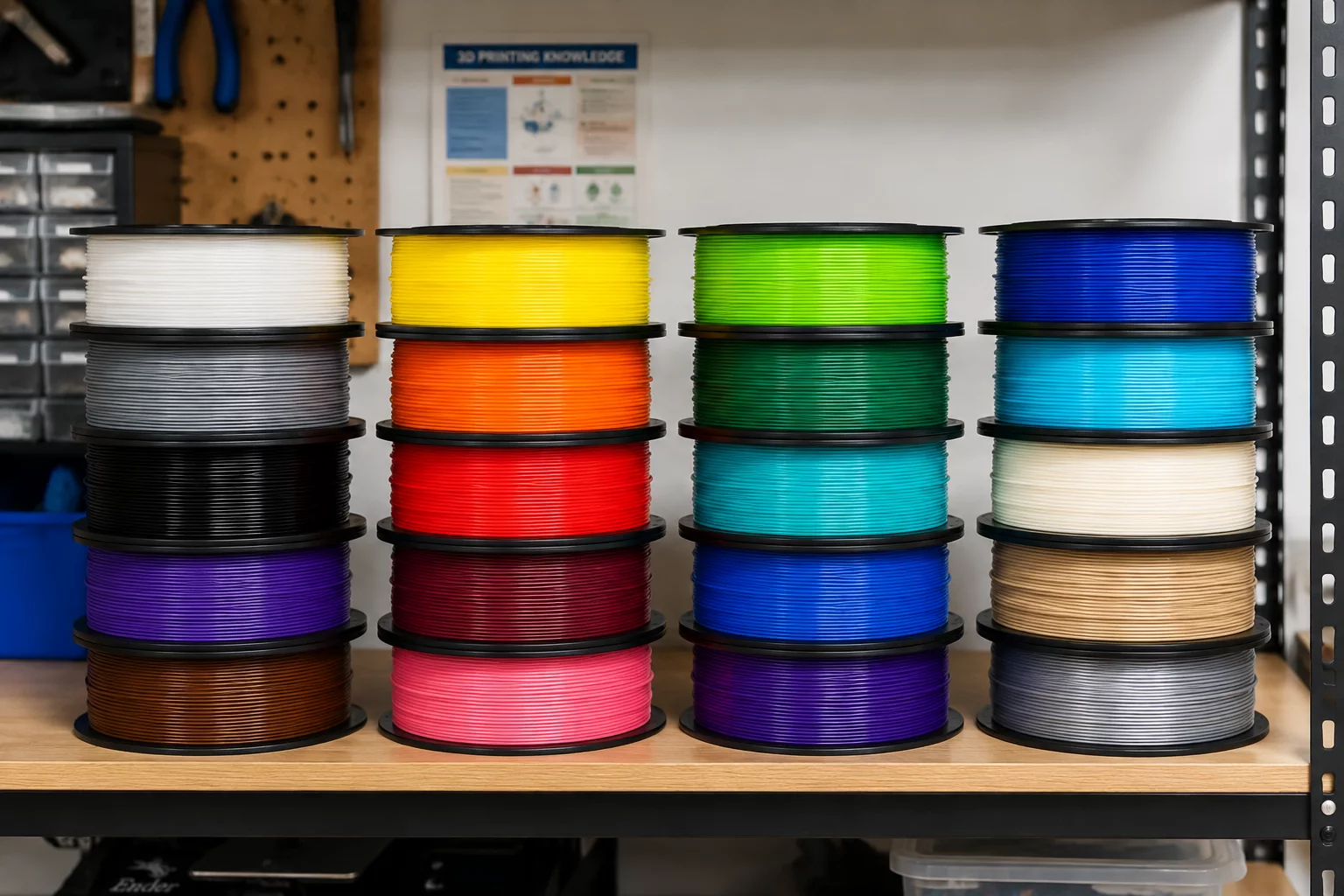
Designing with specific material densities, filament behaviors, and load thresholds.
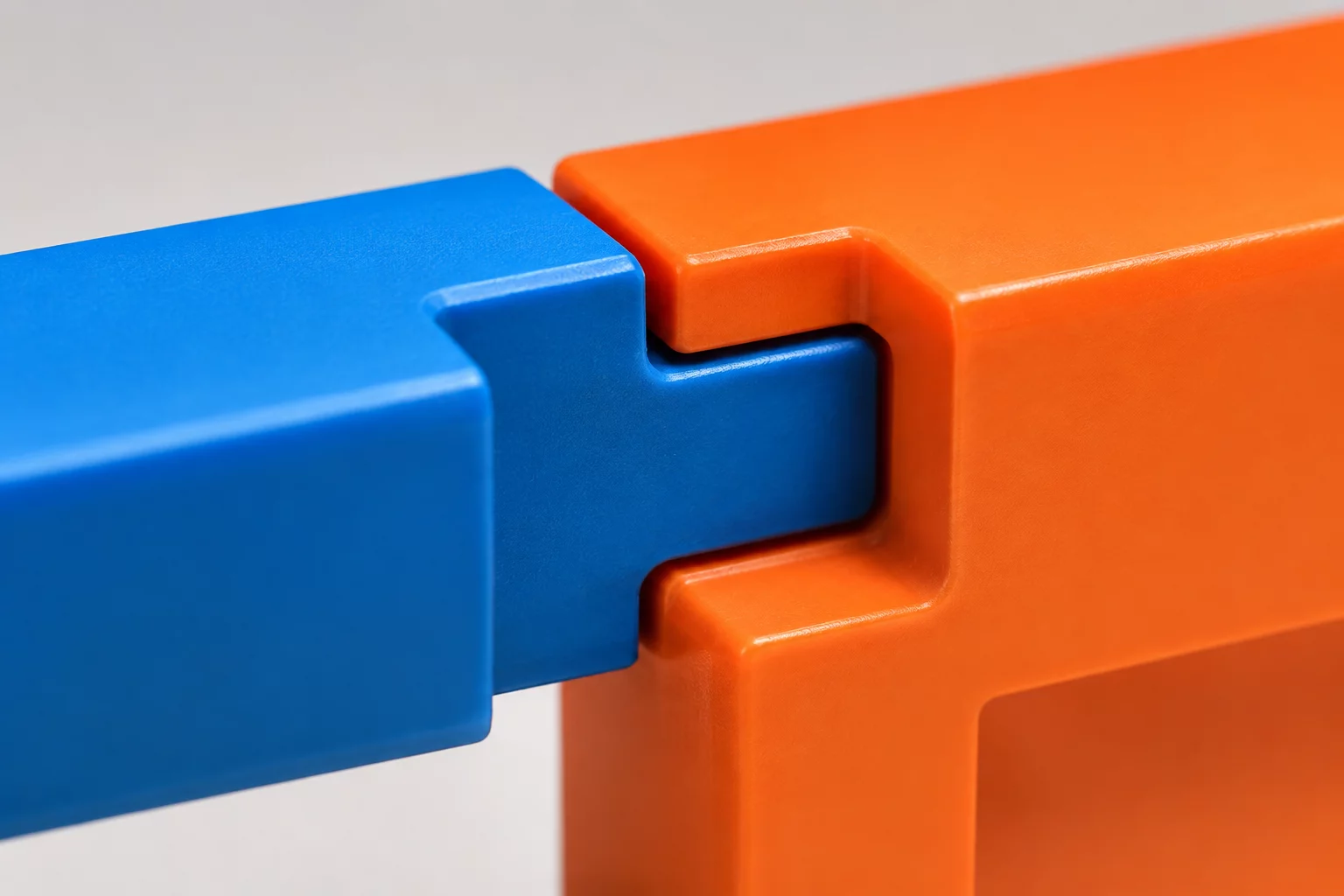
Creating objects that interlock, snap, or mount reliably into fixed physical fixtures.
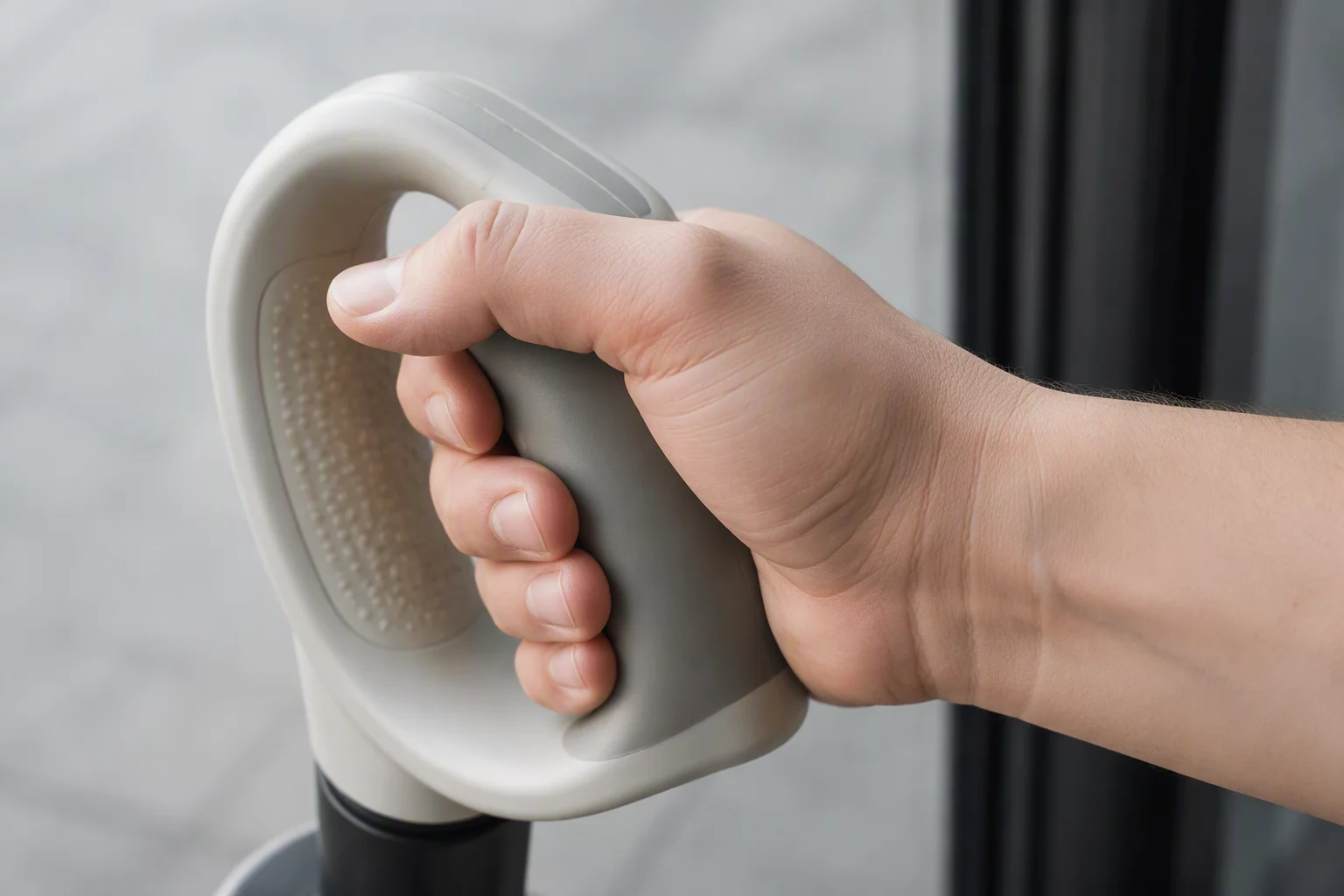
Optimizing functional ergonomics for specific human factors, including grip and orientation.
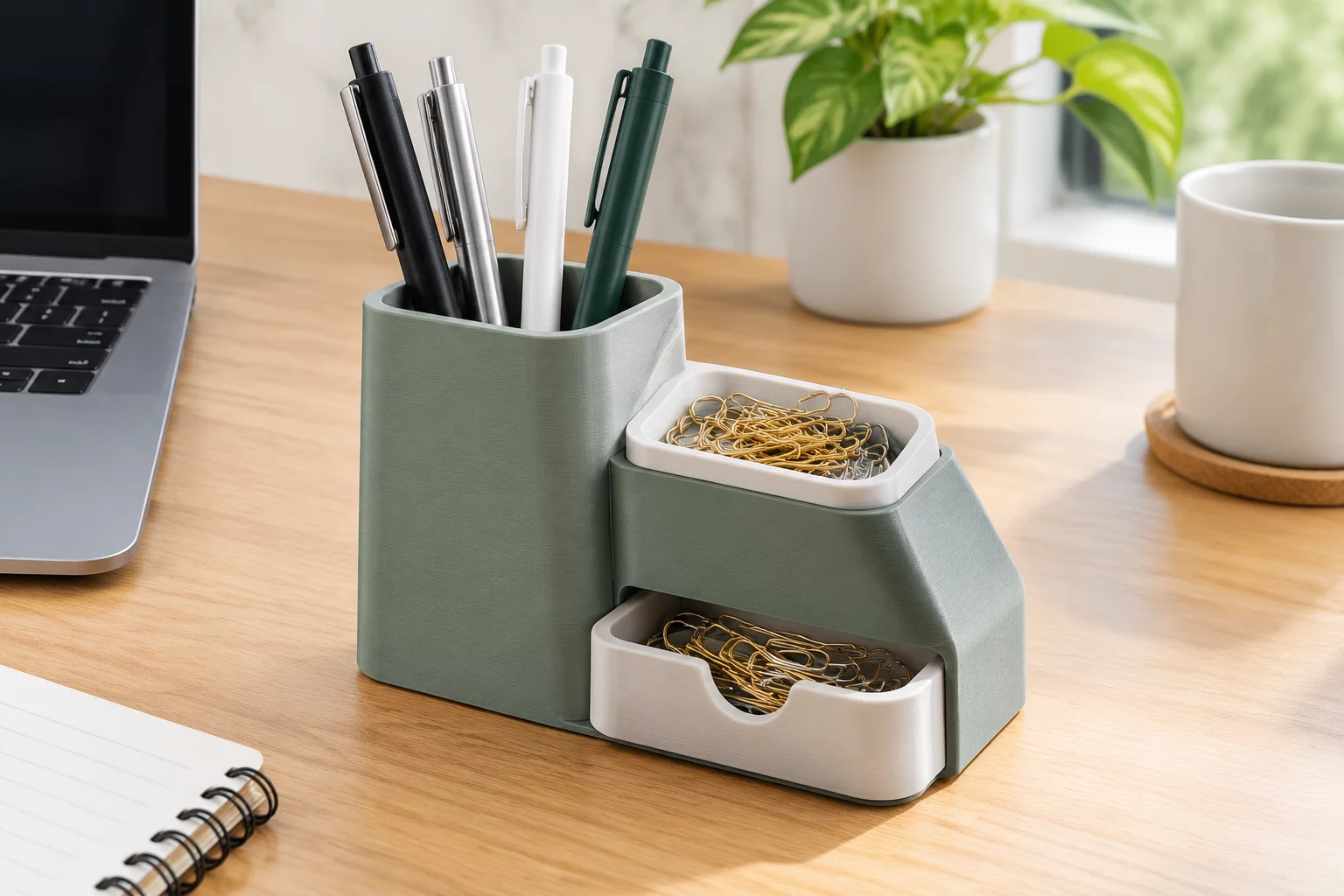
Creating organizers and modular containers engineered within fixed dimensional envelopes.

Designing practical, functional daily items and desk fixtures tailored for learning labs.
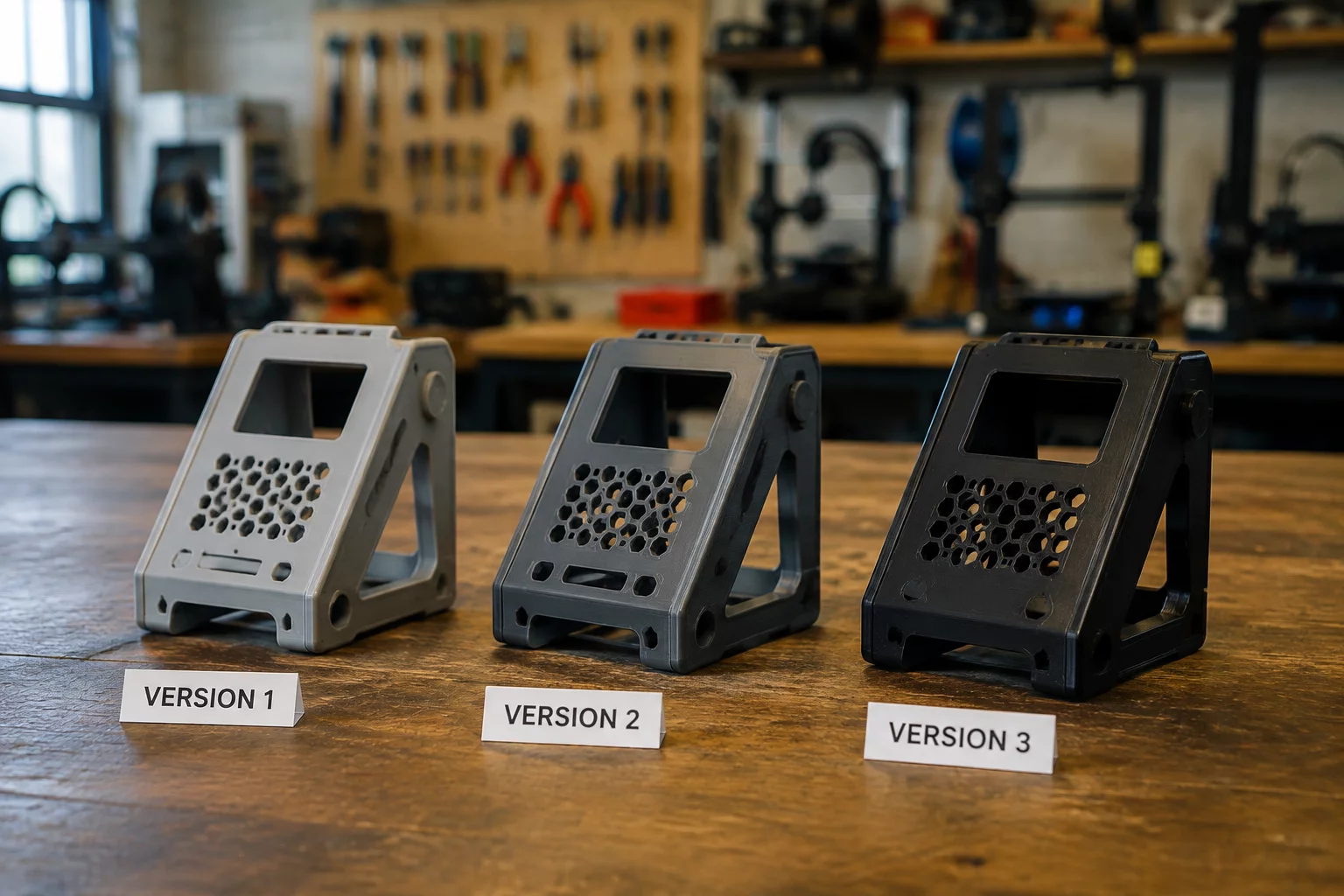
Progressively refining functional CAD models by reducing material or boosting efficiency.
Crucial technical verification checkpoints to audit makerspace partners, 3D printing vendors, and prototyping contractors under strict physical and dimensional constraints.
Ensure the supplier can sustain clearances below ±0.2 mm across repeated PLA/PETG batch runs without requiring secondary manual post-processing.
Confirm filament tolerance adheres to ±0.03 mm to prevent extrusion variance, nozzle jams, and compromised structural load bearing on thin-walled parts.
Verify whether functional load-bearing hooks and brackets are tested for infill density integrity and layer orientation against specified kilogram thresholds.
Ascertain that large bottom-surface components retain true planar flatness across build plates to prevent rock, wobble, or defective mounting interfaces.
Check material safety data sheets (MSDS) to guarantee emissions safety and allergen-free standards inside educational makerspaces and open classrooms.
Clarify the replacement SLA for student batch kits failing boundary box envelope tests or failing constraint dimensional specifications upon delivery.
Connect directly with our STEM curriculum engineers for technical consulting and supplier audit templates.
To ensure seamless execution of constraint-driven CAD engineering challenges, institutions and makerspace teams provide baseline parameters before track launch.
Standardized dimensional build volumes, nozzle tolerances, and filament stock specifications.
Selection of browser-compatible CAD software (e.g., Tinkercad) and export pipelines (.STL / .OBJ).
Student skill tiers, group sizing limits, and accessibility or left-handed ergonomic targets.
Selection of 2 to 4 strict boundaries (envelope size, shape limits, assembly friction tolerance).
Specify physical maximum build volume for student deliverables (e.g., 60x60x60 mm or 120x120 mm bed).
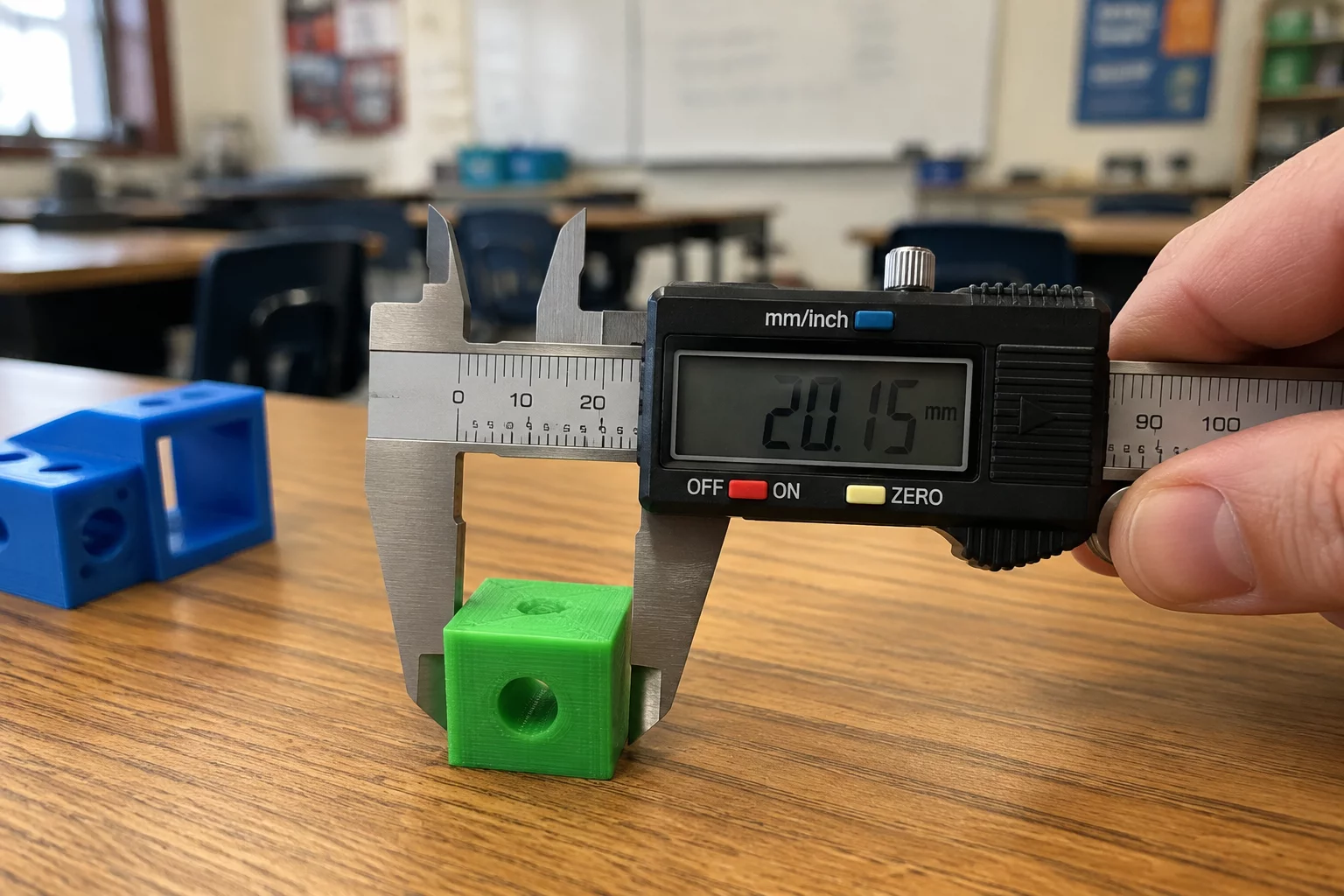
Exact caliper measurements for mounting surfaces (e.g., 25mm desktop lip, 32mm tubular frame rails).
Confirmation of active student seats on Tinkercad, Fusion 360, or browser-based WebGL environments.
Agreed naming convention for file drops (e.g., [Student_Initials]_[Constraint_Deck_ID]_[Iteration_V1].stl).
Session length (45 min vs 90 min workshop) and target revision loops (minimum 2 physical trial iterations).
Weight distribution between geometric constraint compliance, print reliability, and creative shape minimization.
Real classroom objects (backpacks, whiteboard markers, USB cords) for physical live stress verification.
Pre-printed 0.2mm to 0.6mm gap gauge test to establish local 3D printer calibration values.
Submit your makerspace dimensions and software stack details to receive a customized constraint deck matrix.
Leading STEM education journals, makerspace periodicals, and CAD design reviews examining the impact of the ConstraintCraft methodology.
"ConstraintCraft fundamentally shifts student focus from cosmetic CAD software tinkering to rigorous spatial problem-solving under strict functional boundaries."
"The 3-primitive shape limits and 25 mm edge hook challenges demonstrate how structured limits unleash genuine student engineering ingenuity without software bloat."
"Eliminating open-ended ambiguity through 2 to 4 strict dimensional constraints accelerates beginner modeling competence by more than 300 percent."
"A plug-and-play classroom toolkit that transforms 3D printing from a novelty demonstration into an authentic engineering design discipline."
"Students design with intention rather than guesswork. The card framework eliminates aimless extrusion and builds measurable spatial intelligence."
"A masterclass in pedagogical restraint. Giving students fewer geometric degrees of freedom produces vastly superior functional prototypes."
Request comprehensive methodology briefs, high-resolution card decks, and educator interview kits.
Clear parameters define effective learning. Review exactly what is engineered into the ConstraintCraft cards and what remains outside program delivery.
Structured printable and digital prompt cards enforcing shape limits, bounding volumes, and functional criteria.
Universal prompts fully compatible with Tinkercad, Onshape, Fusion 360, and FreeCAD without vendor lock-in.
Clear verification rubrics to assess student compliance with spatial tolerances, primitive limits, and structural fits.
Multi-stage design refinement cards targeting 20% material reduction, altered tolerances, or left-handed user needs.
Strict geometric guidelines guaranteeing flat build-plate interfaces and eliminating wasteful support structures.
Direct cross-mapping to spatial reasoning standards, design-under-constraints pedagogy, and STEM lab workflows.
Commercial or educational subscription licenses for third-party modeling platforms are not supplied.
Physical hardware diagnostics, 3D printer slicing machine maintenance, and mechanical repairs are excluded.
Unrestricted organic modeling or aesthetic sculpting exercises without clear engineering constraints.
Physical fabrication consumables, PLA/PETG filament stocks, and build surfaces are managed separately by your lab.
Direct live grading of individual student files or continuous personal tutoring is not part of the standard card deck.
Step-by-step UI clicking guides; the focus is entirely on engineering discipline rather than tool mechanics.
Inquire directly to adapt card sets for specialized STEM challenges, workshop envelopes, or age groups.