Hold Two Objects, Not Three
Design a holder specifically for two items only. Prevent accidental clutter by shaping cavities that physically deny any third object.
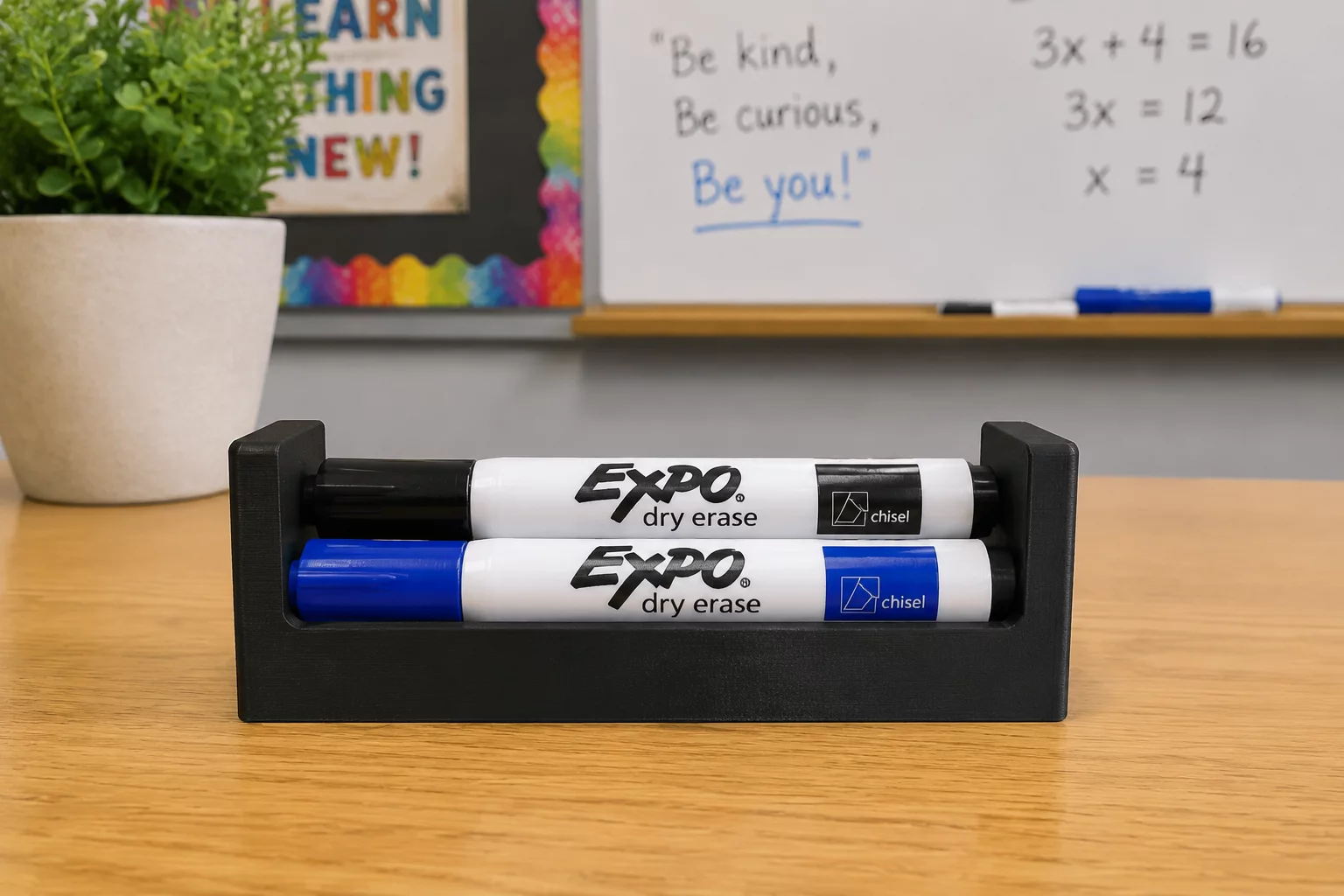
Mandatory Constraints Protocol
Open-ended storage bins often invite unnecessary clutter. This constraint forces deliberate geometric matching: you must design dedicated slots for exactly two specific items, with outer profiles sloped or minimized so no third item can rest anywhere on the device.
Dedicated Dual Containment
Incorporate exactly two dedicated negative pockets matching the cross-section of your two chosen classroom tools.
Anti-Stash Top Surfaces
Design upper rim walls with steep chamfers or tapered ridges to eliminate flat shelves where a third tool could balance.
Independent Extraction Stability
Ensure the holder stays firmly planted when withdrawing one tool while the other item remains docked inside.
Engineering Evaluation Matrix
Generic containers provide low educational feedback because almost any cylindrical cup will hold pens. When students are restricted to holding two distinct items and actively preventing a third, they are forced to measure tools with precision calipers and translate real clearance offsets into digital models.
Begin by selecting two objects with contrasting geometries—such as one dry-erase marker and one digital stylus. Create precise negative voids in CAD with a radial tolerance between 0.4 mm and 0.8 mm to ensure smooth insertion without excessive wobbling.
Acceptance Criteria
- Both designated items dock securely with zero binding and minimal tilt.
- Any attempt to insert or lay down a third object causes it to slide off due to sloped perimeter geometry.
- The entire part prints as one solid body without internal support requirements.
Software Guide
Tinkercad Workflow
Import cylinders or box primitives sized to match your two tools. Expand their outer diameter by 0.6 mm for printing tolerance, change them into Hole mode, align them over a solid polygon base, and group the objects.
TIP // Align shapes using the workplane tool to ensure zero floating geometry.
Fusion 360 Constraints
Define User Parameters for tool diameters and wall clearances. Apply Combine Cut operations to carve out specific cavities, followed by a 20-degree top chamfer to discard extra objects.
PARAM // Define User Parameters before extruding primary bodies.
Hands-on Iteration
Slice a small 5 mm slice test of the cavity rims first. Check how the physical tools slip into the voids before running the complete print job.
FAB // Verify draft angles and base adhesion before slicing.
Dimensional Boundaries
| Parameter | Constraint Value |
|---|---|
| Max X-Y Footprint | 70 mm × 45 mm |
| Min Wall Thickness | 2.0 mm |
| Interface Clearance | +0.6 mm radial |
| Primitive Count Cap | Max 4 Primitives |
Adopt This Card for Your STEM Group
Order printable constraint challenge decks or request tailored CAD classroom curriculum packages.
Inquire Now: 8478786705Leave a Comment
Share your classroom result, design insight, or improvement idea.
Educator & Maker Notes
Peer discussions and classroom constraint iteration results.
Dr. Elena Rostova
STEM Educator 07/14/2026Restricting students to hold exactly two items eliminated oversized open bins in our lab. The kids had to measure their calipers correctly to ensure markers fit snugly without extra space for loose pencils.
PARAMETER CHECK: [Dual Slot Fit >= 0.6mm Tolerance] // Status: PASSEDClassroom Moderation Active
All STEM challenge submissions and instructor feedbacks are reviewed to ensure instructional accuracy.